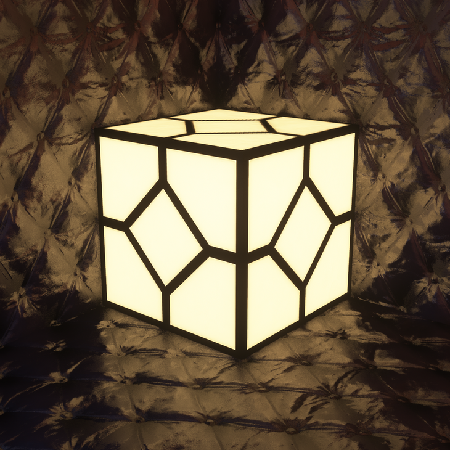
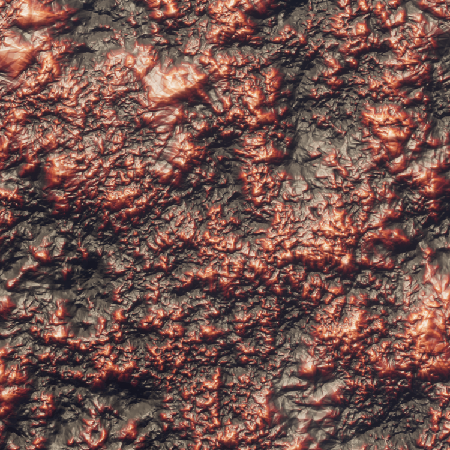
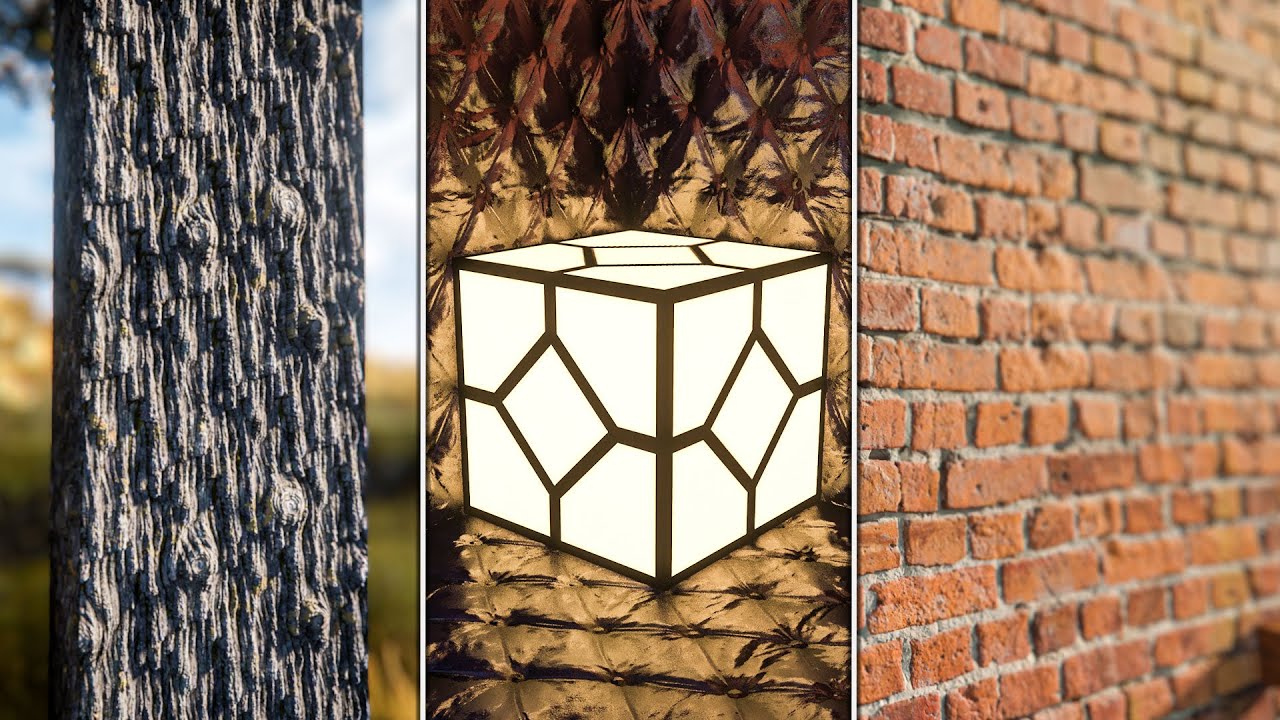
Experience Minecraft as never before. Optimum Realism is the photorealistic PBR texture pack that brings incredible depth, dynamic lighting, and the feel of real-world materials directly to your blocky world.
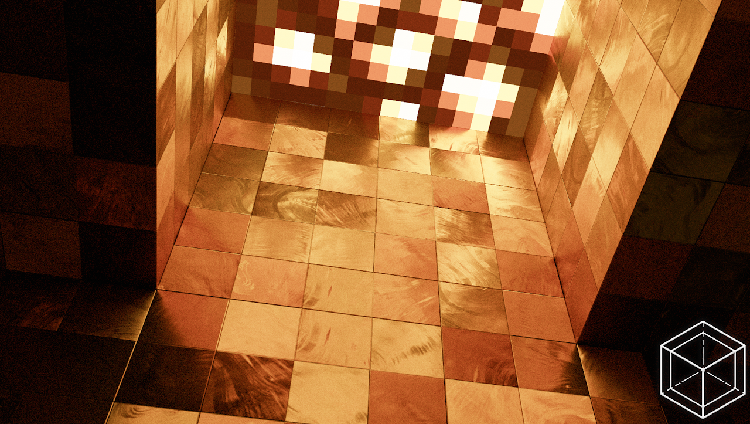
We don't just replace block surfaces; we simulate physics and light interaction, making the world feel physically alive.
POM (Parallax Occlusion Mapping) allows surfaces to appear physically deeper. Sand realistically fills crevices in planks, and snow settles naturally into block joints, giving the world a genuine sense of depth and connection.
Our pack utilizes Physically Based Rendering (PBR), ensuring every block—from rough stone to smooth glass—reflects and absorbs light exactly as it would in the real world. No more flat, generic surfaces.
The textures are designed to react intelligently to your shader settings and in-game lighting. Shadows fall naturally, and colors shift based on the light source, giving unprecedented visual depth.
Select your desired resolution and edition. The 64x tier is completely free, offering full PBR support to get started!
Highest compatibility and feature set.
FREE 64x Resolution. Supports Iris/OptiFine.
Starts at 64x (Free forever).
DOWNLOAD 64x ZIPUpgrade options available via Patreon.
Uses native hardware Ray Tracing.
FREE 64x Resolution. RTX-ready.
Compatibility with RTX-capable GPUs.
DOWNLOAD 64x ZIPUpgrade options available via Patreon.
Access 128x, 256x, and 512x resolutions for ultimate detail and cinematic renders.
Monthly subscription for highest fidelity textures and early access.
SUPPORT ON PATREONBest for creators and cinematic builds.
Don't take our word for it. View the incredible detail and dynamic lighting in our community gallery.
Need help with installation, shaders, or performance? Find immediate answers below.
Official Answer: Yes, shaders are required. Optimum Realism uses advanced features like PBR and POM that need shader support to display properly. We recommend LabPBR-compatible shaders such as Complementary, Kappa, or SEUS PTGI HRR 2.1.
Java (Iris+Fabric): Install Fabric, then add Iris, Sodium, Polytone, Continuity, EMF, and ETF mods. Place the pack .zip in .minecraft/resourcepacks and your shader in .minecraft/shaderpacks. (Full guide at official website link).
Bedrock: Double-click the .mcpack file to import, then activate it under Settings > Global Resources and enable Ray Tracing.
The 64x free tier is optimized to run smoothly on systems like a GTX 1050 with 8GB RAM. However, for maximum fidelity (256x/512x), a modern GPU (RTX 2060+) and ample VRAM are recommended. Always monitor your FPS and adjust settings accordingly.
The best support is found on our official Discord server. You can also contact us via the website's contact page or through Patreon comments. Always include your Minecraft version, shader name, and crash logs for the fastest help.